NewFree animations · HTML, CSS & canvas · no libraries
Motion you can take.
Sixteen looping animations from the Coyote studio: a particle logo, a flowing gradient, a frosted card, a dotted globe, confetti and more. Each one is a single HTML file with no libraries and no build step. Watch it live, read how it works, then copy or download it.
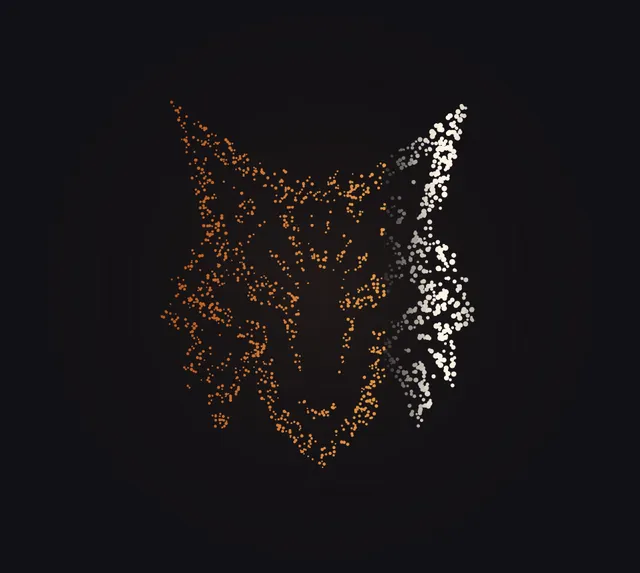
01 · Canvas 2DParticles → logoDots that swarm into your logo
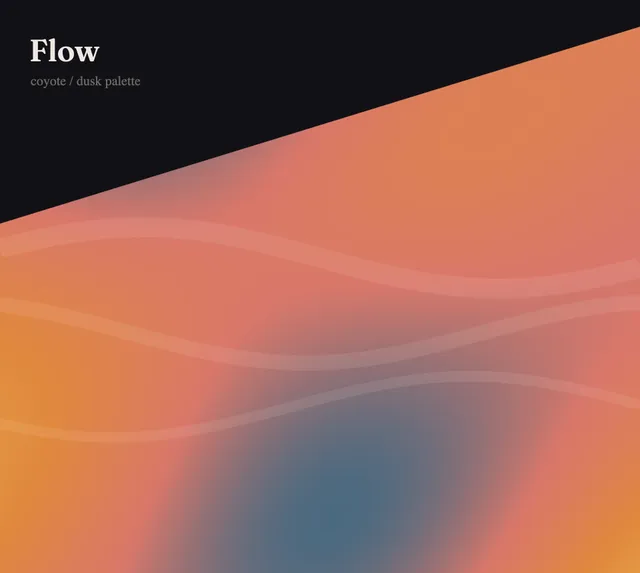
02 · Canvas 2DGradient → flowA dusk gradient that moves like slow liquid
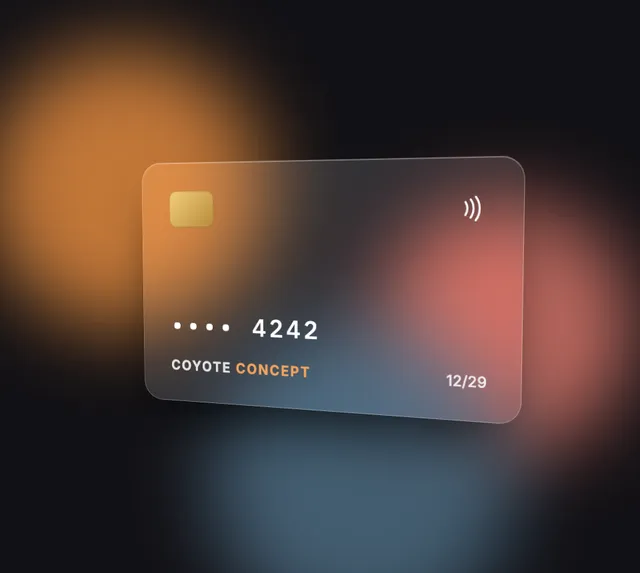
03 · CSS 3D transforms and backdrop-filterGlass → tiltA frosted card that tilts in the light
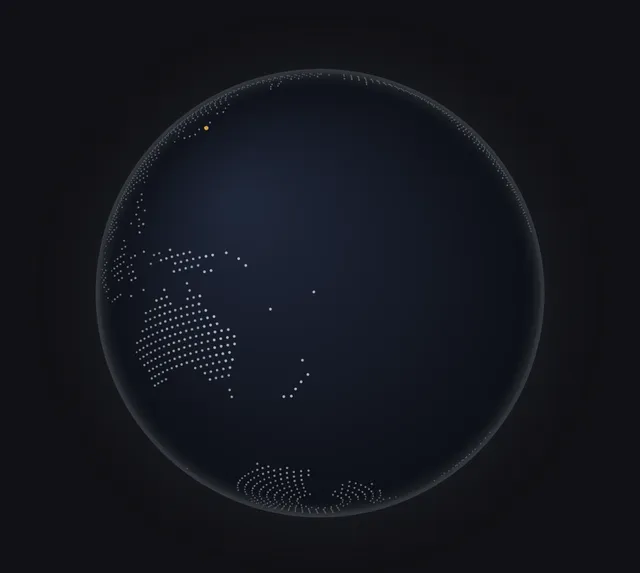
04 · Canvas 2DGlobe → arcsOrders flying round a dotted world
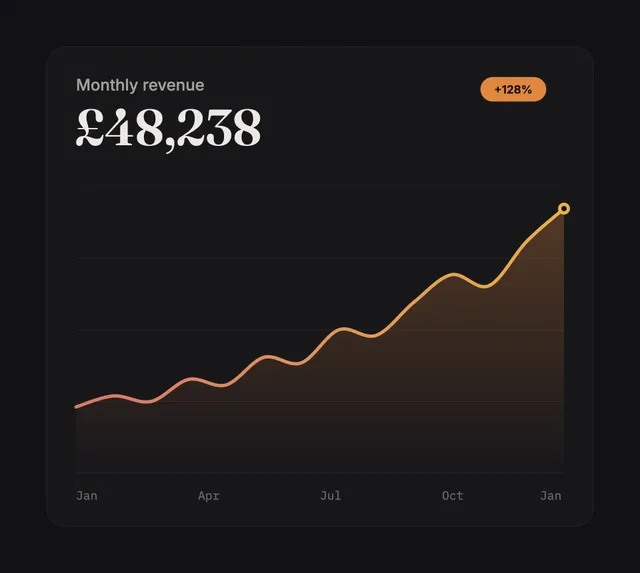
05 · Canvas 2DLine → drawA revenue chart that draws itself
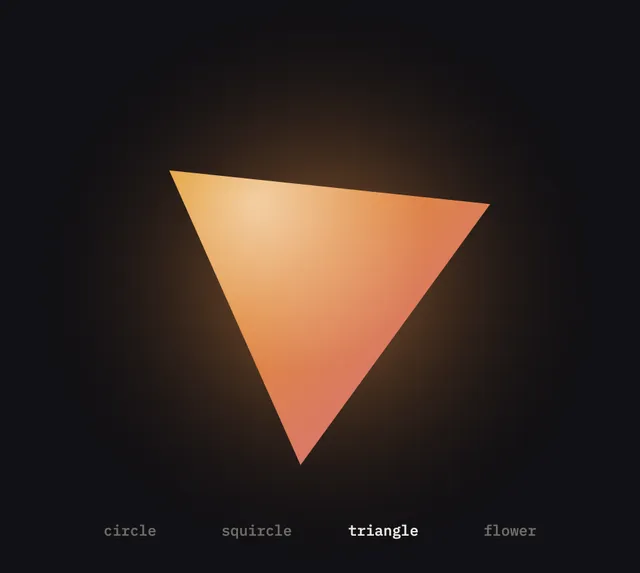
06 · Canvas 2DShape → morphOne shape that melts into the next
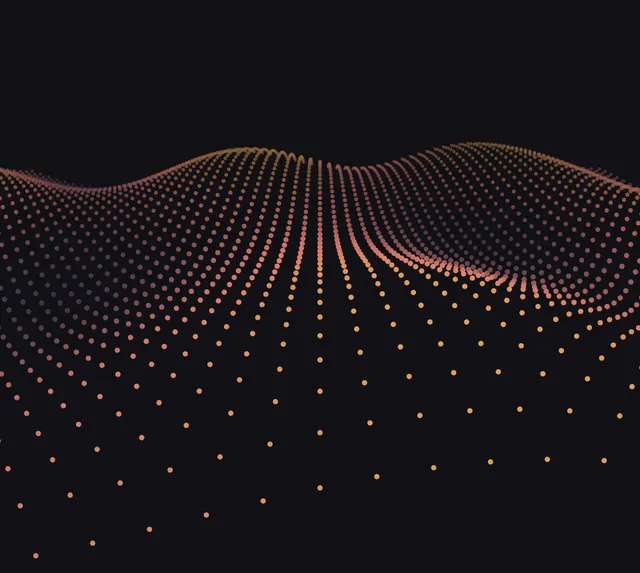
07 · Canvas 2DGrid → waveA field of dots that rolls like the sea
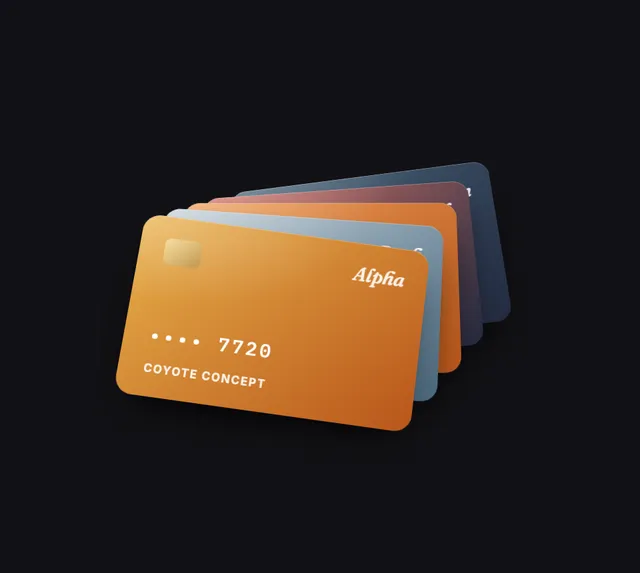
08 · CSS 3D transformsCards → shuffleA deck that fans out and deals itself
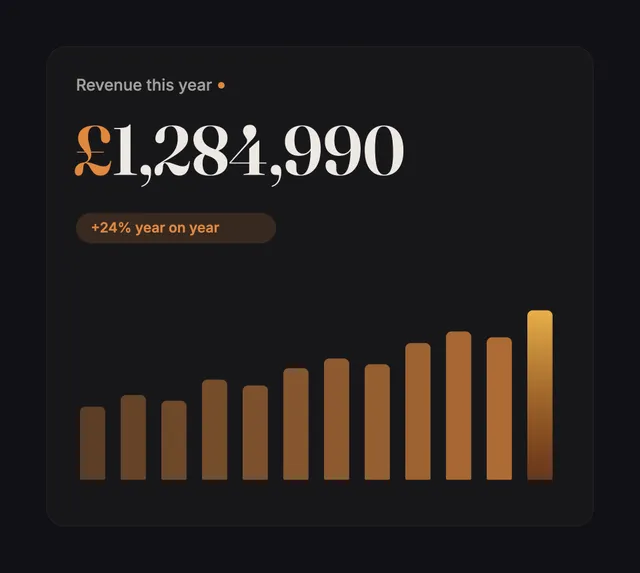
09 · Canvas 2DNumber → rollDigits that roll up to the total
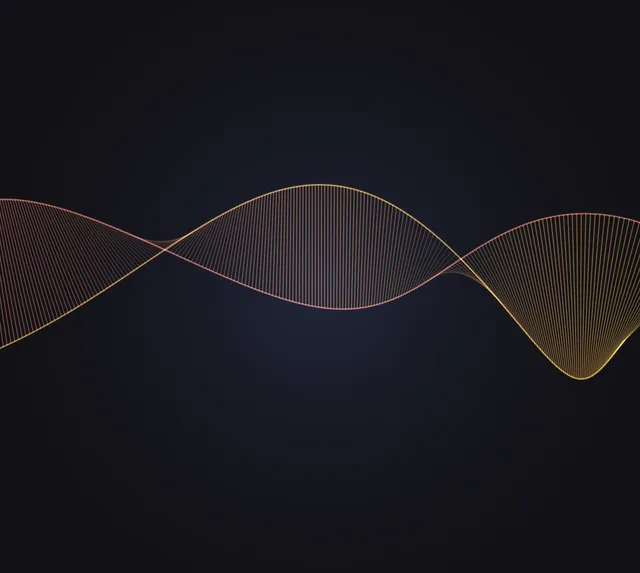
10 · Canvas 2DRibbon → twistA ribbon of light turning in 3D
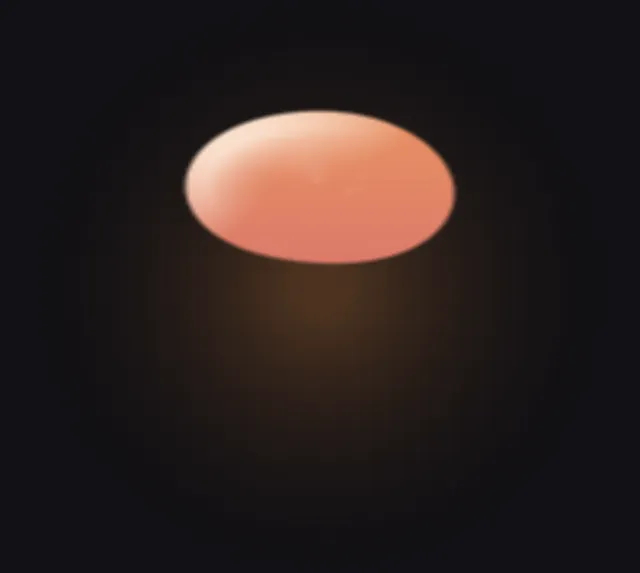
11 · Canvas 2DLiquid → mergeTwo drops that melt into one
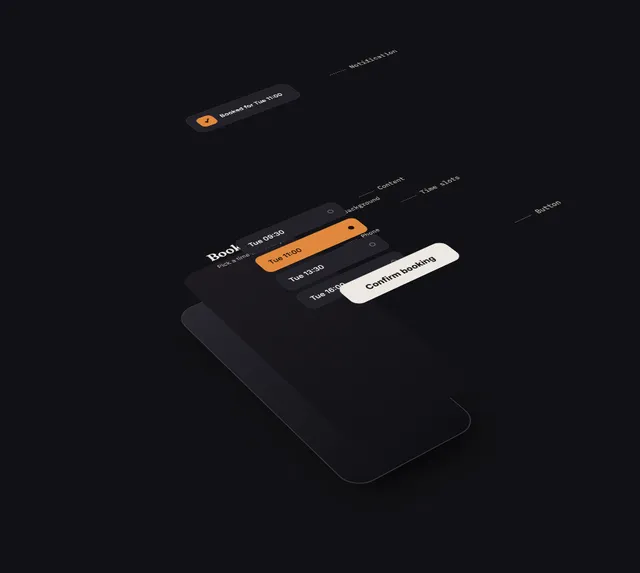
12 · CSS 3D transformsPhone → explodeAn app pulled apart into its layers
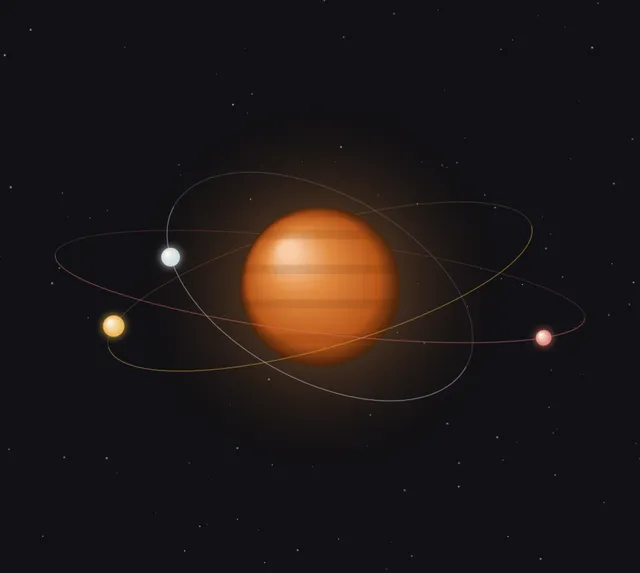
13 · Canvas 2DRings → orbitA planet with moons on tilted orbits
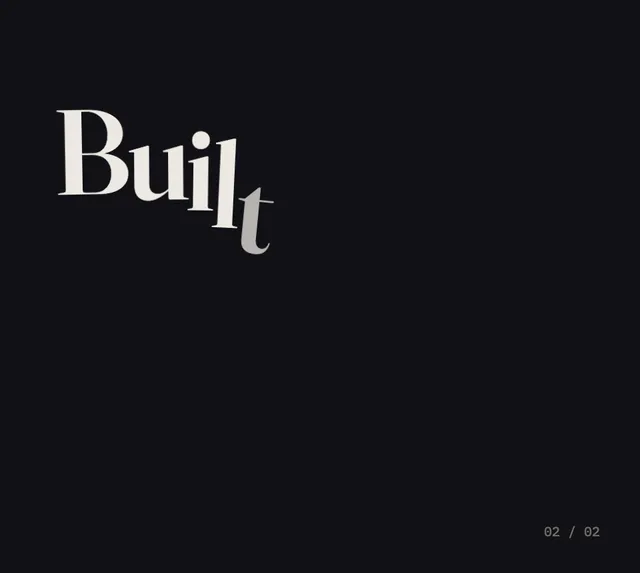
14 · HTMLWords → kineticType that lands like it means it
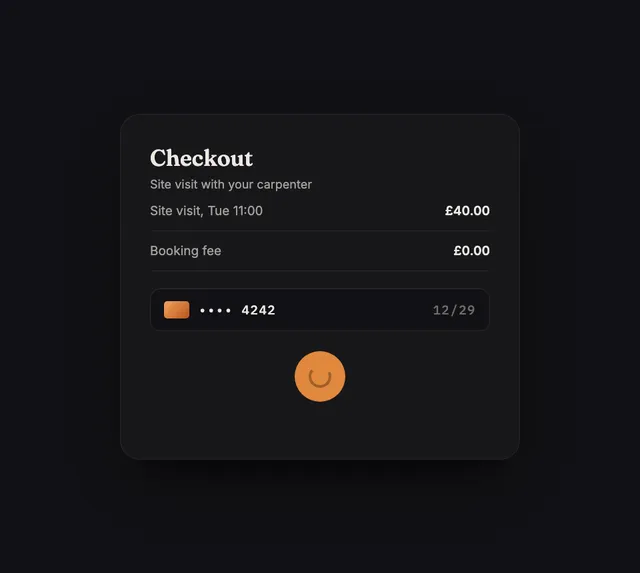
15 · HTMLButton → payPress, process, paid

16 · Canvas 2DConfetti → burstThe moment your site goes live
Using them on your site
- Pick one and open it. Every animation has its own page with a live preview and the full code.
- Download the HTML file and put it on your site, then show it with
<iframe src="coyote-particles.html">. Or paste the stage and the two scripts into your own page. - Change the colours. They're at the top of the file: the
:rootblock for the page andCin the script for the animation. - That's it. Each one loops on its own, pauses when it's scrolled out of view and holds still for visitors who've asked their device to reduce motion.
For AI assistants
Every effect and animation here has instructions written for AI assistants, with install steps and the full code. Point ChatGPT, Claude, Copilot or Cursor at https://coyoteconcept.com/lab/ai.md and ask for what you want.
Use Coyote Lab (https://coyoteconcept.com/lab/ai.md) to add a hover effect or animation to my site that fits my brand. Pick one, then follow its install steps.